What Is the Best CRM Software for Small and Medium Businesses?
Published
Discover how to choose the best CRM software for small and medium businesses. Learn about essential CRM features, automation, pricing, integrations and business growth. Choosing the best CRM software for a small or medium-sized business is about more than comparing prices and features. The right Customer Relationship Management (CRM) system should help your team manage leads, improve customer relationships, streamline sales and make better business decisions. Many businesses invest in CRM software but struggle to get the expected results. Customer details remain scattered across spreadsheets, follow-ups are missed, and employees find it difficult to keep records updated. The problem is often not the lack of features, but choosing a system that does not fit the business's daily operations.The best CRM is one your team actually uses, simplifies everyday work and grows alongside your business.
1. Lead Management: Keep Every Opportunity Organised
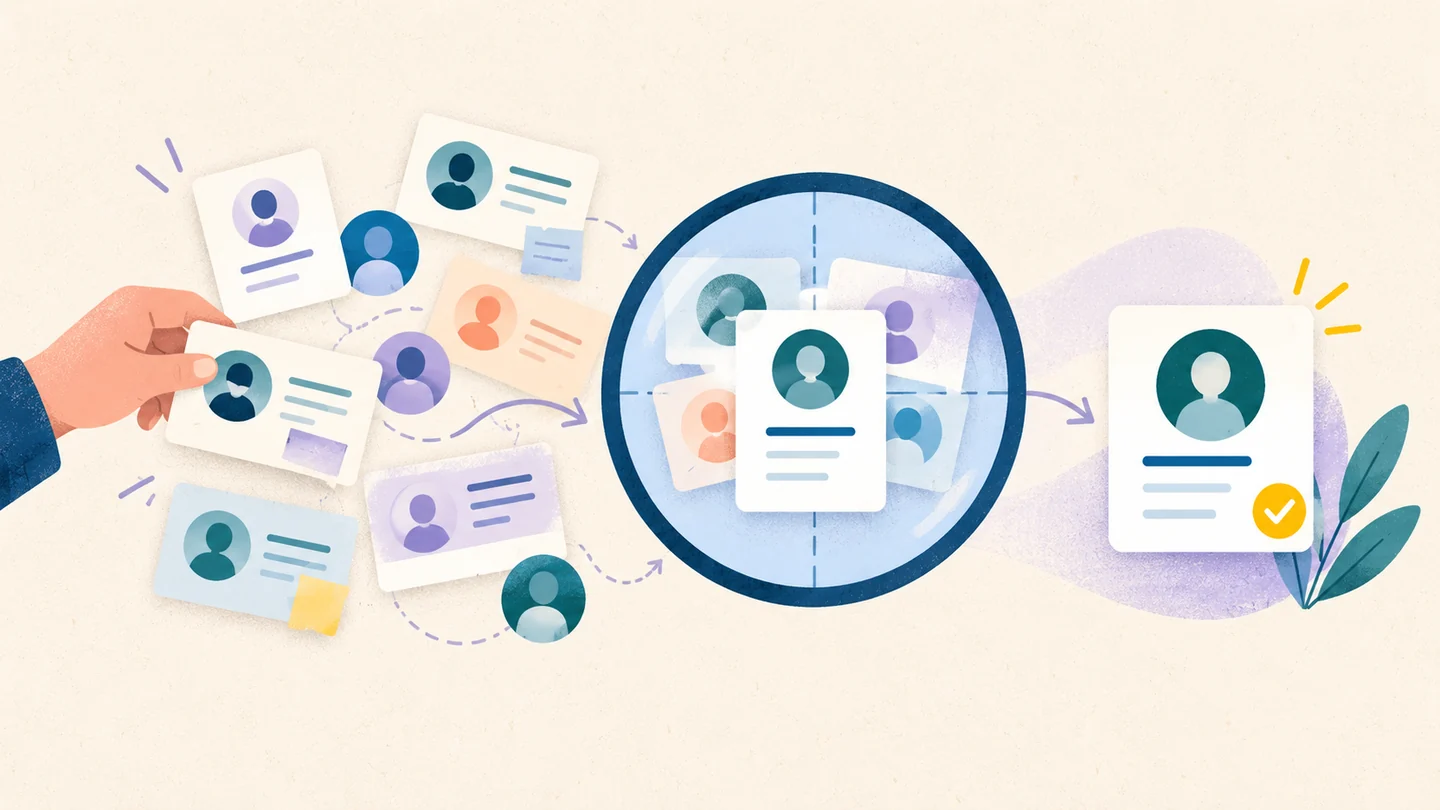
Leads can come from multiple sources, including website forms, WhatsApp, phone calls, social media and referrals. When these enquiries are managed separately, businesses risk losing potential customers or forgetting important follow-ups. A good CRM brings lead information into one central place, making it easier to track every enquiry from the first interaction. Look for features such as: • Centralised lead management: Store customer details and enquiries in one place. • Lead assignment: Assign enquiries to the right salesperson or team member. • Lead source tracking: Identify which channels generate valuable customers. • Duplicate detection: Avoid multiple employees contacting the same prospect unnecessarily. Organised lead management helps businesses respond faster, improve customer experiences and reduce the chances of missed sales opportunities.
2. Sales Pipeline: Track Deals From Start to Finish
A sales pipeline shows where each potential customer stands in the buying process, from the initial enquiry to negotiation and final closure. Instead of relying on manual updates or spreadsheets, business owners can use a CRM to understand which deals are progressing and which require attention. The ability to customise sales stages is particularly important because different businesses follow different sales processes. A service agency, manufacturer and trading company may all need different workflows. A useful CRM should help you track deal values, monitor expected closing dates and identify opportunities that have remained inactive for too long. This visibility makes it easier to identify bottlenecks and plan future sales.
3. Follow-Up Automation: Reduce Missed Sales
A customer might request a quotation today but make a purchasing decision several days later. If the sales team forgets to follow up, the opportunity could go to a competitor. CRM automation helps prevent such situations by scheduling reminders, assigning follow-up tasks and notifying employees when a lead becomes inactive. Some systems also support automated communication and workflows, depending on their features and integrations. However, automation should not replace personal customer interactions. Its purpose is to ensure that important tasks happen on time while allowing employees to focus on building relationships and closing deals.
4. Reporting and Analytics: Make Better Business Decisions
A CRM should do more than store customer information. It should help business owners understand sales performance and identify opportunities for improvement. Useful reports can answer questions such as: • How many leads did the business receive this month? • Which marketing channels generated the most customers? • What percentage of leads converted into sales? • Which deals are likely to close soon? • How much revenue can the business reasonably expect? Clear, easy-to-understand reports are often more valuable than complicated dashboards that nobody uses. As a business grows, these insights become even more useful when sales information can be viewed alongside financial and operational performance.
5. Integrations and Ease of Use
A CRM that operates independently from the rest of the business can create additional work. Employees may need to copy customer details between sales software, accounting tools, spreadsheets and communication platforms. Before choosing a CRM, check whether it integrates with the tools your business already uses, such as email, WhatsApp, website forms, invoicing software and project management systems. Ease of use is equally important. A complicated system can discourage employees from updating records, making the information unreliable. Before purchasing, test the software with your actual team. Check whether employees can quickly add leads, update deals and access essential information on mobile devices. The goal is to choose a system that fits naturally into everyday work rather than creating another task for employees to manage
6. Pricing, Security and Scalability
CRM pricing can vary significantly depending on the number of users, available features and subscription plan. The cheapest option is not always the most cost-effective. Consider the total cost, including setup, training, integrations, automation and additional user charges. Compare these expenses with the cost of maintaining multiple separate business tools. Data security is another important consideration. Check access permissions, backup arrangements, data protection practices and whether you can export your information if you decide to change providers. Finally, consider scalability. A CRM that works for a small team should ideally accommodate more employees, additional sales pipelines and evolving business requirements without requiring an expensive migration too soon.
Why an Integrated CRM Matters for Growing Businesses
A sale does not end when a customer agrees to purchase. The business may still need to prepare quotations, generate invoices, track payments, arrange delivery and provide customer support. When these activities happen across disconnected systems, employees often enter the same information repeatedly. This increases the risk of errors, delays and communication gaps between departments. An integrated business platform can connect these workflows, allowing teams to access consistent information and coordinate their work more efficiently. For example, when a lead becomes a customer, relevant details can flow into subsequent business processes where the necessary integrations and workflows are available. This reduces unnecessary manual work and helps business owners gain a clearer view of the customer journey. For growing businesses, the advantage is not just managing leads more efficiently. It is connecting customer management with the wider operations of the company.
Where Mingrow Fits In
Mingrow takes a broader approach by bringing CRM together with business operations through an AI-powered Business OS. Rather than treating customer management as an isolated function, Mingrow focuses on helping businesses connect their workflows and reduce the challenges of managing information across separate tools. For business owners, this approach can make it easier to coordinate activities, improve operational visibility and spend less time switching between systems. If your business is growing and spreadsheets or disconnected applications are making daily operations difficult to manage, an integrated platform may be worth considering.
The best CRM software for small and medium businesses should fit your sales process, organise leads, simplify follow-ups, provide useful reports and integrate with your essential tools. Pricing, security, ease of use and future scalability should also influence your decision.